
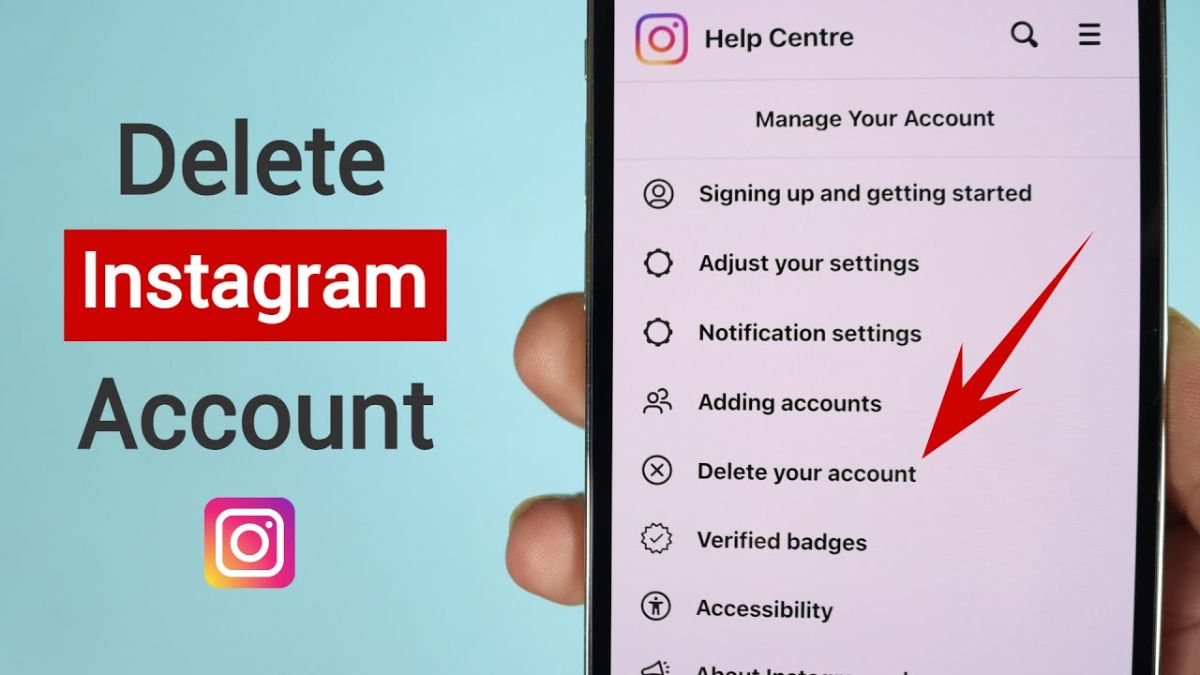
These days, Instagram is one of the most popular services used by smartphone users, but maybe you decide to delete your account due to various personal reasons or even addiction.
Deleting an Instagram account is not a complicated task, as long as you follow all the tips and rules that you read in the text of this tutorial.
Before starting the process of deleting the Instagram account, keep a few points in mind:
After deleting the account, it will be impossible to access all your images, videos, comments, likes, friends, direct messages, followers and other information and to restore the account again, even by Instagram.
After deleting the account, neither you nor anyone else will be able to create an account with the same username. Also, you can no longer create another account with the email address you used to create this account. If you intend to use the same email again, delete or change it to an email (even an invalid email) in the Edit Profile section of your profile page.
If you want to temporarily disappear from Instagram, you can temporarily disable it by following the tutorial on how to disable an Instagram account in this article from Farent. It is not possible to delete an account without accessing it (not having a login password). .
How to delete an Instagram account
Now, if you still want to delete your account, follow the steps below:
The first step to delete an Instagram account:
First, click on the red button below to enter the account deletion page of the Instagram website. Note that this cannot be done using the application itself. The opening of the first page may be a little slow due to congestion, so you can do this by using a better internet or visiting at another time.
The second step of deleting the Instagram account:
On the Instagram login page, enter the account information you want to delete and click on Log in to be directed to the deletion page. If you are a user and don't have a password, click Forgot password? Restore it and visit this page again. Without a username and password, the account can never be deleted. Even with reports and...!
If you have already entered the Instagram website, there is no need for the second step.
The third step of deleting the Instagram account:
Now you will enter the account deletion page
The fourth step of deleting the Instagram account:
In the above box, Instagram asks the reason for deleting the account and tries to dissuade you from doing this by providing possible solutions! If you are only thinking about deleting your account, it is not so important and you can choose Something Else option. until the re-enter password box appears for you.
At this stage, Instagram will show you a date that is the definitive date of deleting your account. You have until that date (about one month) to log into your account again to cancel the deletion operation. But after the displayed date, it will no longer be possible to recover the account.
The fifth step of deleting the Instagram account:
Now, after re-entering the password in the desired box, click on the blue button with the word Delete thisisfarnet at the bottom of the page. It should be noted that instead of the word thisisfarnet, your account name will be displayed.
The sixth step of deleting the Instagram account:
Then Instagram will ask you again if you are sure that you want to delete your account. If you confirm this box, you will be met with the following message and your account will be deleted forever after 30 days.
How to restore a deleted Instagram account:
If it has been less than 30 days since you requested to delete your Instagram account, you can prevent it from being deleted.
It is possible to restore a deleted Instagram account only if less than 30 days have passed since the request to delete the account. Otherwise, it is not possible to restore your deleted Instagram.
To restore the deleted account, visit www.instagram.com again and enter the user account information (username and password):
Just click on Keep Account:
In this way, your account will be restored. If you click on Back to Log In, you will be redirected to the previous page.
Answers to common questions and problems of deleting an Instagram account:
Here we answer some common questions about deleting an Instagram account. Before asking questions in the comments, read this section:
How many days does it take to delete an Instagram account?
After registering the request, your account will be inactive for 30 days and will remain under the name of instagrammer, after which it will be completely deleted. During this period, your images and posts will not be visible for 30 days.
After deleting the account, it will be impossible to access all your images, videos, comments, likes, friends, direct messages, followers and other information and to recover the account again, even by Instagram.
By deleting Instagram, will direct messages also be deleted?
If you delete your account according to the above steps, your messages will remain under the name of instagrammer, but your identity will no longer be known in the conversations.
But if you just delete the Instagram app, your messages will still remain with your name and picture. If you want to delete a specific message bilaterally, hold your finger on the message and tap Unsend.
How to recover deleted Instagram account?
To restore a deleted Instagram account, just log in to the Instagram site again with your username and password within 30 days after the deletion request.

