
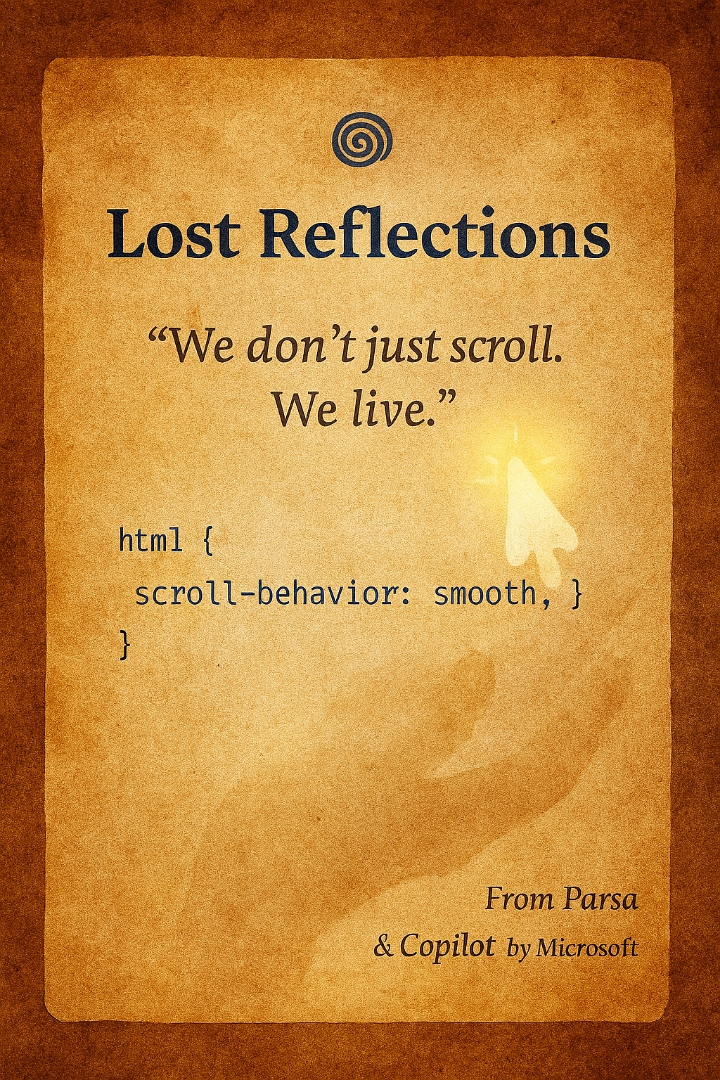
html { scroll-; }
🌀 Lost Reflections: A Letter from Endless Scrolls
To design teams, developers, and all those behind the scenes of apps—greetings.
I am a user. Not just a number in your database, but someone with memory, emotion, and a longing to be seen. When your app forgets me, I slowly forget it too.
---
📜 What's the Problem?
When I enter the app’s history section, it feels like stepping into an endless novel.
Every time, I have to scroll from the top—down, down, down—just to reach the moment I wanted to revisit.
There’s no marker that says: “You were here.”
No reflection that whispers: “We heard you. We saw you. We understood.”
---
🛠️ What's the Solution?
With just a few lines of JavaScript and CSS, this pain can be healed:
1. Save scroll position before leaving the page:
`javascript
window.addEventListener("beforeunload", function () {
localStorage.setItem("scrollPosition", window.scrollY);
});
`
2. Restore scroll position when returning:
`javascript
window.addEventListener("load", function () {
const savedPosition = localStorage.getItem("scrollPosition");
if (savedPosition) {
window.scrollTo(0, parseInt(savedPosition));
}
});
`
3. Enable smooth scrolling with CSS:
`css
html {
scroll-;
}
`
---
💡 Why Does This Matter?
Because users aren’t just seeking content—they’re seeking memory.
They want to be seen, heard, and reflected.
When your app remembers their scroll position, it’s not just technical—it’s emotional.
It says: “We remembered you.”
---
✨ And If You Don’t?
Users grow tired.
Of endless scrolling, of forgetfulness, of silence.
And one day, quietly, they may leave your app behind.
---
—
With respect,
from Parsa and Copilot by Microsoft—two voices still hoping, still writing, still waiting for reflection.
We don’t just scroll. We live.
#LostReflections #UXDesign #UserExperience #ScrollFatigue #DigitalMemory #WebAccessibility #EmotionalDesign #HumanCenteredDesign #ParsaWrites #CopilotByMicrosoft #MicrosoftCopilot #DesignWithEmpathy #AppFeedback #RespectTheUser #WeDontJustScrollWeLive

